Website Design · 8 min read
Website Design for Small Business in Nashik: 12 Must-Have Elements That Bring Enquiries
By DV Technologies ·
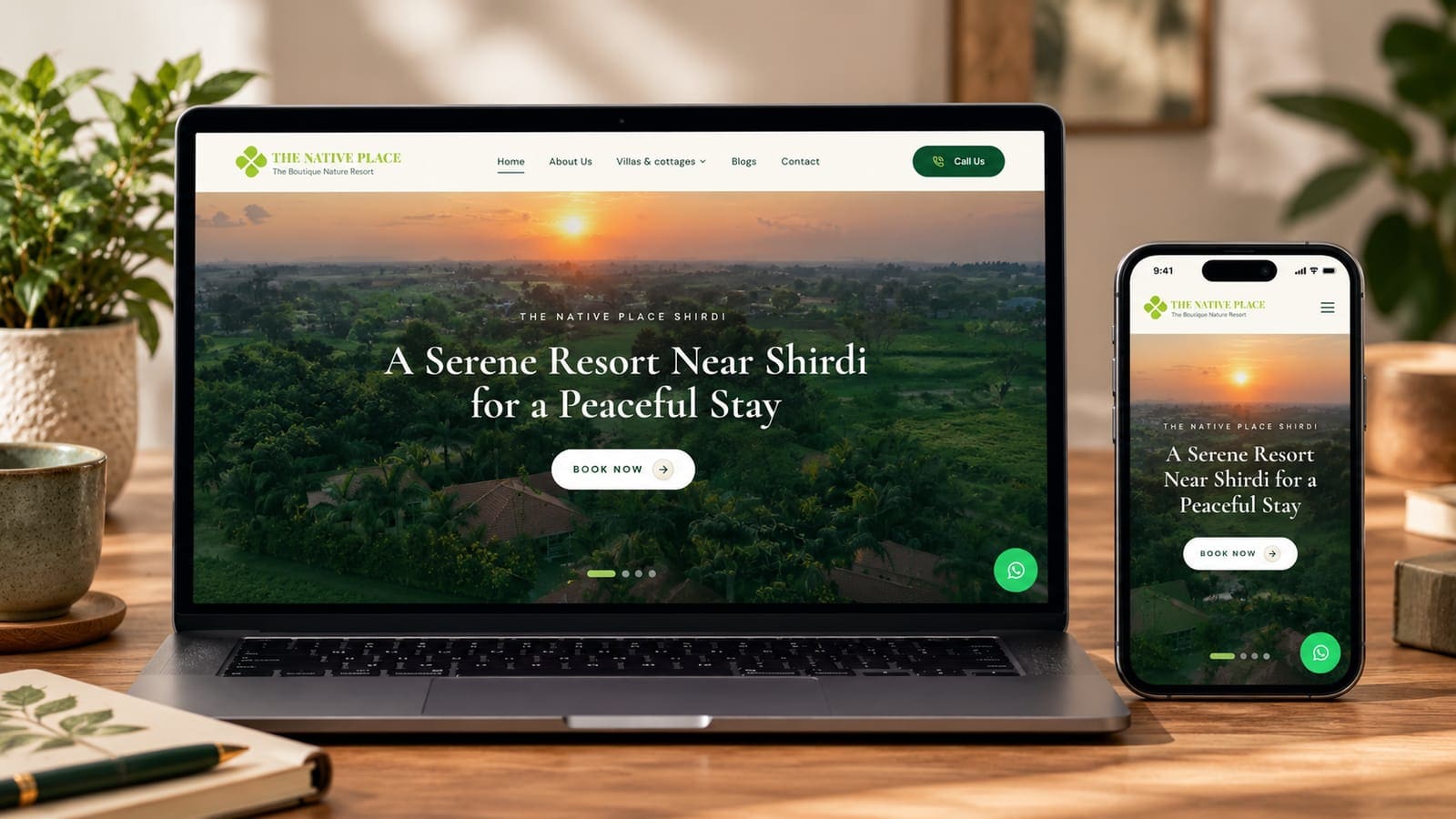
For a small business, a website does the work of a salesperson who never sleeps. It answers questions, shows your work, builds trust and gets people to call, WhatsApp or visit. But only if it is designed well. A slow, cluttered or outdated website sends customers straight to a competitor.
Whether you run a clinic in College Road, a showroom on Gangapur Road, a manufacturing unit in Ambad or a café near Canada Corner, good website design for small business in Nashik follows the same rules. This guide lists the 12 elements your website must have, the common mistakes to avoid and a simple plan to get it right.
Why small businesses in Nashik need a well-designed website
Most customers now find local businesses on Google. They see your Google Business Profile, tap your website, and decide in a few seconds whether you look trustworthy. A social media page alone is not enough: you do not control its reach, it rarely ranks on Google for service searches, and it cannot explain your services in depth.
A professionally designed website gives you a permanent home online that you own. It ranks for searches like "near me" and "in Nashik", supports your Google Ads and social media campaigns, and turns visitors into enquiries around the clock.
12 must-have elements of a small business website
- A clear headline above the fold. In one line, say what you do and where: for example, "Dental clinic in Nashik Road with same-day appointments".
- Click-to-call and WhatsApp buttons. Most visitors are on a phone. Make contacting you a single tap, visible on every page.
- Mobile-first design. Design for the small screen first, then scale up. Text should be readable without zooming and buttons easy to tap.
- Fast loading speed. Aim for pages that load in under three seconds on mobile data. Compressed images, good hosting and clean code make the biggest difference.
- Simple navigation. Keep the menu to five or six items: Home, Services, About, Work, Blog and Contact usually cover it.
- A separate page for each service. One page per service helps customers find what they need and helps Google rank you for each service you offer.
- Real photos of your work, team and premises. Original photos build far more trust than stock images.
- Trust signals. Google reviews, testimonials, client logos, certifications, years in business and project counts reassure first-time visitors.
- A short enquiry form. Ask only for name, phone and requirement. Every extra field reduces enquiries.
- Local details. Show your Nashik address, phone number, working hours and an embedded Google Map, and add LocalBusiness schema markup.
- Consistent branding. Your logo, colours and fonts should match your signboard, visiting cards and social media. If your logo needs work, read our logo design tips for small business.
- SEO and tracking from day one. Unique page titles, meta descriptions, headings, image alt text, an XML sitemap, Google Analytics and Search Console should all be set up at launch.
Common website design mistakes small businesses make
- Using a heavy template with sliders and animations that make the site slow on mobile
- Putting the phone number only on the Contact page
- Listing every service on one long page instead of separate service pages
- Writing about the company instead of the customer's problem and how you solve it
- No clear next step at the end of each page
- Letting a designer register the domain and hosting in their own name
- Launching and forgetting: no updates, no blog, no new photos for years
WordPress or a custom website?
For most small businesses, a well-built WordPress website is a good choice: it is cost-effective and lets your team update pages, photos and blogs without a developer. If you sell products online, look at e-commerce website development. If you need bookings, customer logins or integrations with your software, a custom-built website gives you more control and speed.
A simple plan for your small business website
- Set one main goal: calls, WhatsApp enquiries, walk-ins, bookings or online orders.
- List your services and the questions customers ask most often about each one.
- Collect content: your logo, photos, testimonials, certificates and contact details.
- Pick two or three reference websites you like, and note what you like about them.
- Choose a design partner who shows live work, explains costs clearly and supports you after launch. Our guide to website design cost in Nashik explains what to budget for.
Small business website design with DV Technologies
DV Technologies is a website design company in Nashik that builds fast, mobile-friendly, SEO-ready websites for small and growing businesses. We plan the structure around your customers, write and design every page to drive enquiries, and set up SEO, Analytics and Search Console before launch. You own your domain, hosting and content, and we stay with you after launch for updates and support.
Conclusion
Good website design for small business in Nashik is not about flashy effects. It is about a clear message, fast pages, easy contact options, real proof of your work and a strong foundation for Google. Get these 12 elements right and your website becomes your best salesperson.
Ready to build or redesign your website? Talk to DV Technologies for a free consultation.
Frequently asked questions
How many pages does a small business website need?
Most small businesses need five to ten pages: Home, About, one page per main service, a portfolio or gallery, a blog and a Contact page. Separate service pages help you rank for more searches.
How long does it take to design a small business website in Nashik?
A small business website usually takes two to four weeks once your content and photos are ready. Larger websites with many pages or custom features take longer.
Can I update my website myself after it is built?
Yes, if it is built on a CMS such as WordPress or includes an admin panel. Ask your designer to train your team on updating text, images and blog posts.
Is a website still needed if I have an Instagram page?
Yes. Instagram builds awareness, but a website ranks on Google, explains your services in detail, runs on a domain you own and converts ad traffic into enquiries far better.
Do you design websites for small businesses in Nashik?
Yes. DV Technologies designs and develops websites for small and medium businesses across Nashik and Maharashtra, including clinics, schools, manufacturers, retailers, real estate and hospitality brands.